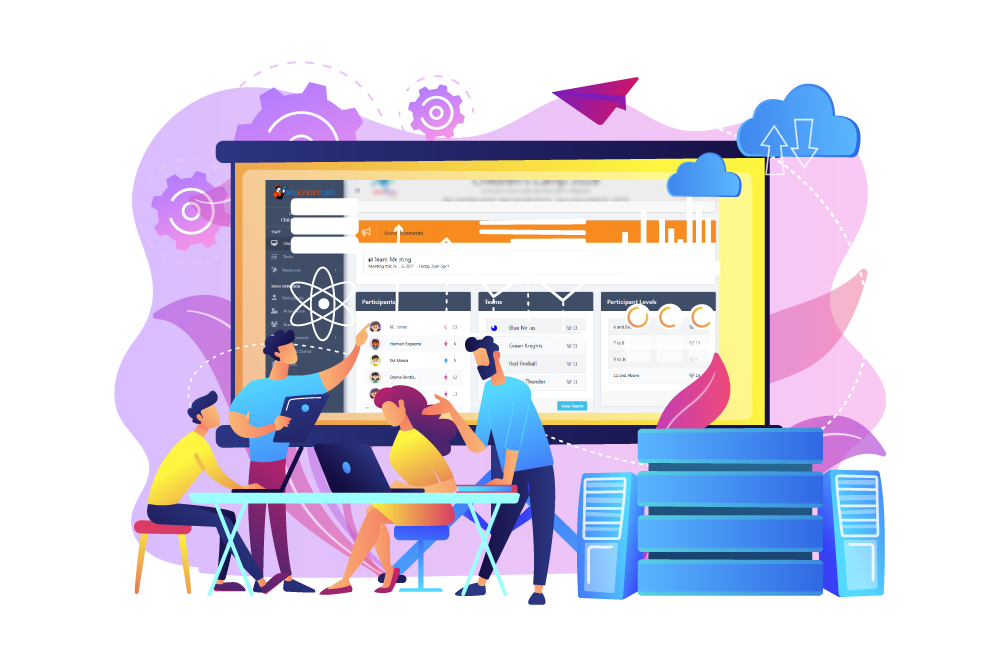
Staffing feature helps you optimize your workforce with our comprehensive staffing feature designed to streamline scheduling, task tracking, and team management.
Participant feature includes participant registration and organizing record. Using a single registration and recording system to simplify event management. Custom forms make it simple for attendees to register, and a single, user-friendly dashboard allows you to automatically collect participant data and control capacity restrictions in real time.
Simplify your event log-ins, do away with paper lists, and record participation data in real time. With the help of our event attendance tool, staff members can easily check participant attendance and staff attendance, and produce immediate, useful results without the need for manual reconciliation.
The Announcement feature lets organizers to swiftly compose, schedule, and disseminate targeted updates, event details, and reminders directly to participants and also the staff, ensuring audiences stay engaged.
Team feature allows staff to form custom groups and set team names. Provide a clear, scannable directory of everyone in a specific team, complete with roles (e.g., Leader, Member, Coordinator).
Task feature enables staff and admin to create, assign, and monitor tasks tied to events. From initial planning and cooperation to execution, it guarantees teamwork, controls timelines, and simplifies event logistics.
Material features allow organizers to digitally manage, share, and track all event-related materials. A centralized library where staff can view and monitor materials including its status and assigned staff.
Tools features allow organizers to monitor and manage tools for the event. A centralized library where organizer and staff can view and monitor tools including the tool status and assigned staff.
Equipment feature helps you track the assigned personnel and availability of your equipment. Organizers and staff can monitor real-time equipment availability, track logs, and prevent double-bookings.
Furniture feature helps you maintain a comprehensive, digital record of all your rental and venue furniture. Track item status availability, and monitor assigned personnel.
The event scheduling tool is a great help for the list of agendas and activities visualized with ease. It gives participants the ability to view the event schedules of with their available gadgets and can be viewed anytime. Staffs can also monitor the staffing schedule for the preparation and for the main event.
Staff members and participants can see their designated seats on their devices. There won't be as much trouble waiting in line to receive a seat number.
The topic feature makes it easier for the staff to see the subjects that will be covered throughout the event. The topic specifics, including the speakers, are viewable by staff. These topic details are also visible to participants.
Staff and participants can view the event's programs with the use of the Program function. There is no need to provide participants and staff with a paper. They can see it on their devices.
The Rules feature makes it easy and accessible at any time for staff and participants to view it on their devices. Both prior to and during the event, it is viewable.
Files and Document feature helps the organizers and staff monitor and see files and documents on their devices from anywhere at any time.
The expenses feature makes it easier for the organizer and designated personnel to keep an eye on the costs. In addition to monitoring, since the information can be entered into their devices, it will be simpler to enter expense details even while they are being incurred.
Donation feature allow the organizer to maintain tabs on all the donations including the financial contributions. The list in this function is readily visible by the event admin and assigned personnel.
The sponsor featureassists the organizer in keeping track of the sponsor list and the particular item they have sponsored. The event post also displays the sponsor.
The staff can assign awards to each team and participant with the aid of awards features. It may be used to keep an eye on the list and is accessible to all staff. The emcees can use it to monitor the list.
This Merit/Demerit feature is very helpful when utilized for activities like camping. Because it can be utilized in the devices, staff who have access to it can add and monitor lists at any time and from any location.
Contest features allow organizer to monitor the contests and their outcomes. The total number of contests is also visible to staff and participants. Staff may be able to access and view the results at any time and from any location thanks to this capability.
Organizers can view the judges list with the aid of judges features. Participants and staff will also be able to examine the criteria for evaluating information. The results of this judge's inputs will be computed and displayed rapidly, eliminating the difficulties associated with manual computations.
The Vehicle feature allows the organizers to keep track of the vehicles designated for participants, staff, and cargo, as well as the number of occupants. By simply glancing at their devices, staff and participants may easily see which car they will be in.
The vendor feature helps organizers monitor the vendor details and its cost. It will also automatically be included in the financial report.